Pydantic Evals
arize-tutorialsevaluationLLMPython
Export

Evaluation using Pydantic Evals
- Use Pydantic Evals to evaluate your LLM app for a simple question-answering task.
- Log your results to Arize to track your experiments and traces.
Step 1: Install dependencies
[ ]
Step 2: Setup API keys and imports
[ ]
Step 3: Setup Arize
Add our auto-instrumentation for OpenAI using arize-otel.
[ ]
Step 4: Define the Evaluation Dataset
Create a dataset of test cases using Pydantic Evals for a question-answering task.
- Each Case represents a single test with an input (question) and an expected output (answer).
- The Dataset aggregates these cases for evaluation.
[ ]
Step 5: Setup LLM task to evaluate
[ ]
Step 6: Run your experiment and evaluation
[ ]
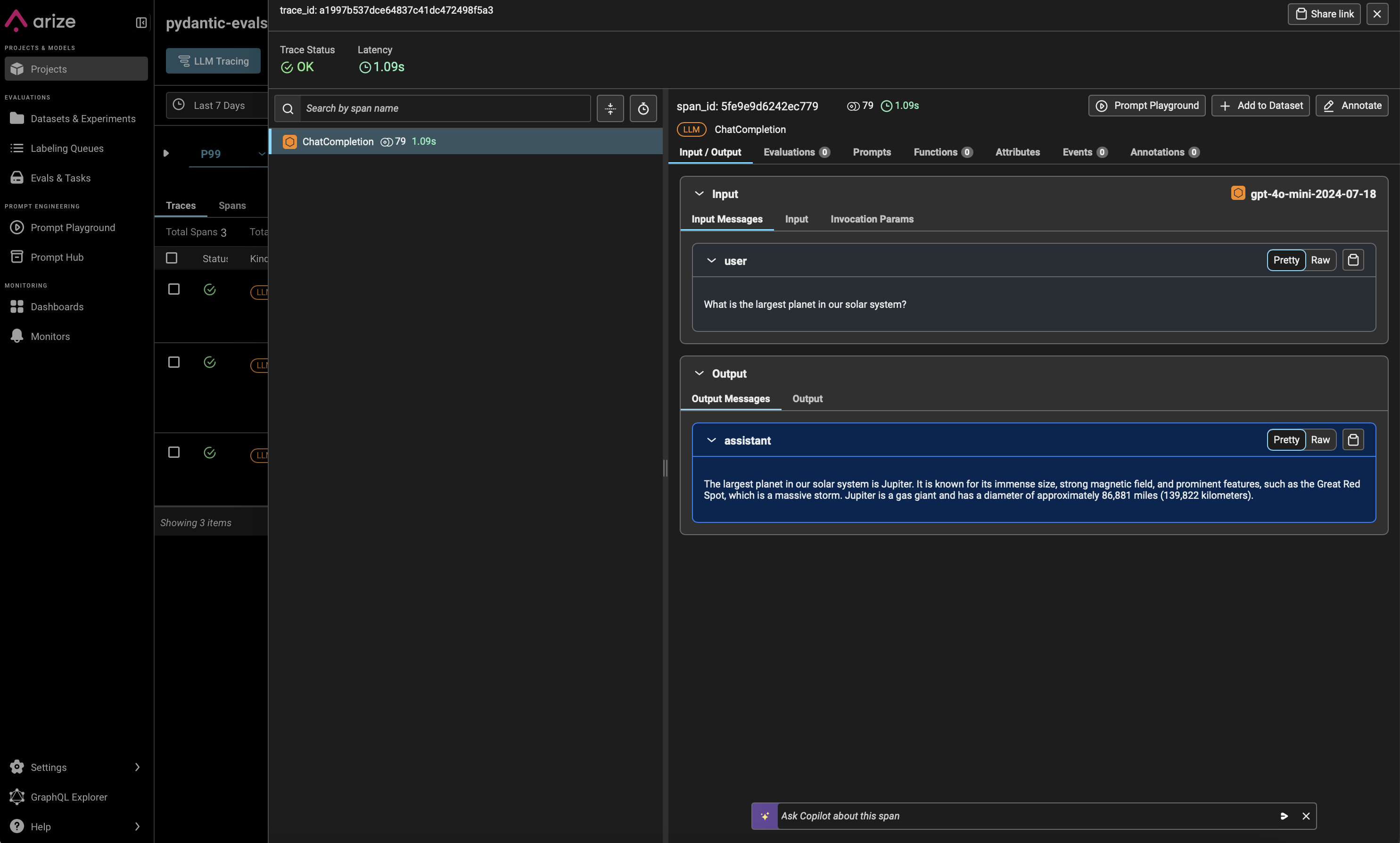
Step 7. See your results in Arize