

Image Captioning
Image captioning
Image captioning is the task of predicting a caption for a given image. Common real world applications of it include aiding visually impaired people that can help them navigate through different situations. Therefore, image captioning helps to improve content accessibility for people by describing images to them.
This guide will show you how to:
- Fine-tune an image captioning model.
- Use the fine-tuned model for inference.
Before you begin, make sure you have all the necessary libraries installed:
pip install transformers datasets evaluate -q
pip install jiwer -q
We encourage you to log in to your Hugging Face account so you can upload and share your model with the community. When prompted, enter your token to log in:
Load the Pokémon BLIP captions dataset
Use the 🤗 Dataset library to load a dataset that consists of {image-caption} pairs. To create your own image captioning dataset in PyTorch, you can follow this notebook.
DatasetDict({
    train: Dataset({
        features: ['image', 'text'],
        num_rows: 833
    })
})
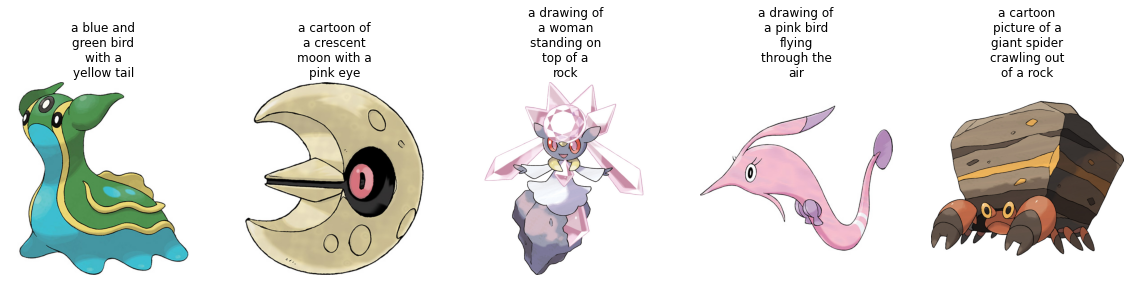
The dataset has two features, image and text.
Many image captioning datasets contain multiple captions per image. In those cases, a common strategy is to randomly sample a caption amongst the available ones during training.
Split the dataset's train split into a train and test set with the train_test_split method:
Let's visualize a couple of samples from the training set.
Preprocess the dataset
Since the dataset has two modalities (image and text), the pre-processing pipeline will preprocess images and the captions.
To do so, load the processor class associated with the model you are about to fine-tune.
The processor will internally pre-process the image (which includes resizing, and pixel scaling) and tokenize the caption.
With the dataset ready, you can now set up the model for fine-tuning.
Load a base model
Load the "microsoft/git-base" into a AutoModelForCausalLM object.
Evaluate
Image captioning models are typically evaluated with the Rouge Score or Word Error Rate. For this guide, you will use the Word Error Rate (WER).
We use the 🤗 Evaluate library to do so. For potential limitations and other gotchas of the WER, refer to this guide.
Train
Now, you are ready to start fine-tuning the model. You will use the 🤗 Trainer for this.
First, define the training arguments using TrainingArguments.
Then pass them along with the datasets and the model to 🤗 Trainer.
You should see the training loss drop smoothly as training progresses.
Once training is completed, share your model to the Hub with the push_to_hub() method so everyone can use your model:
Inference
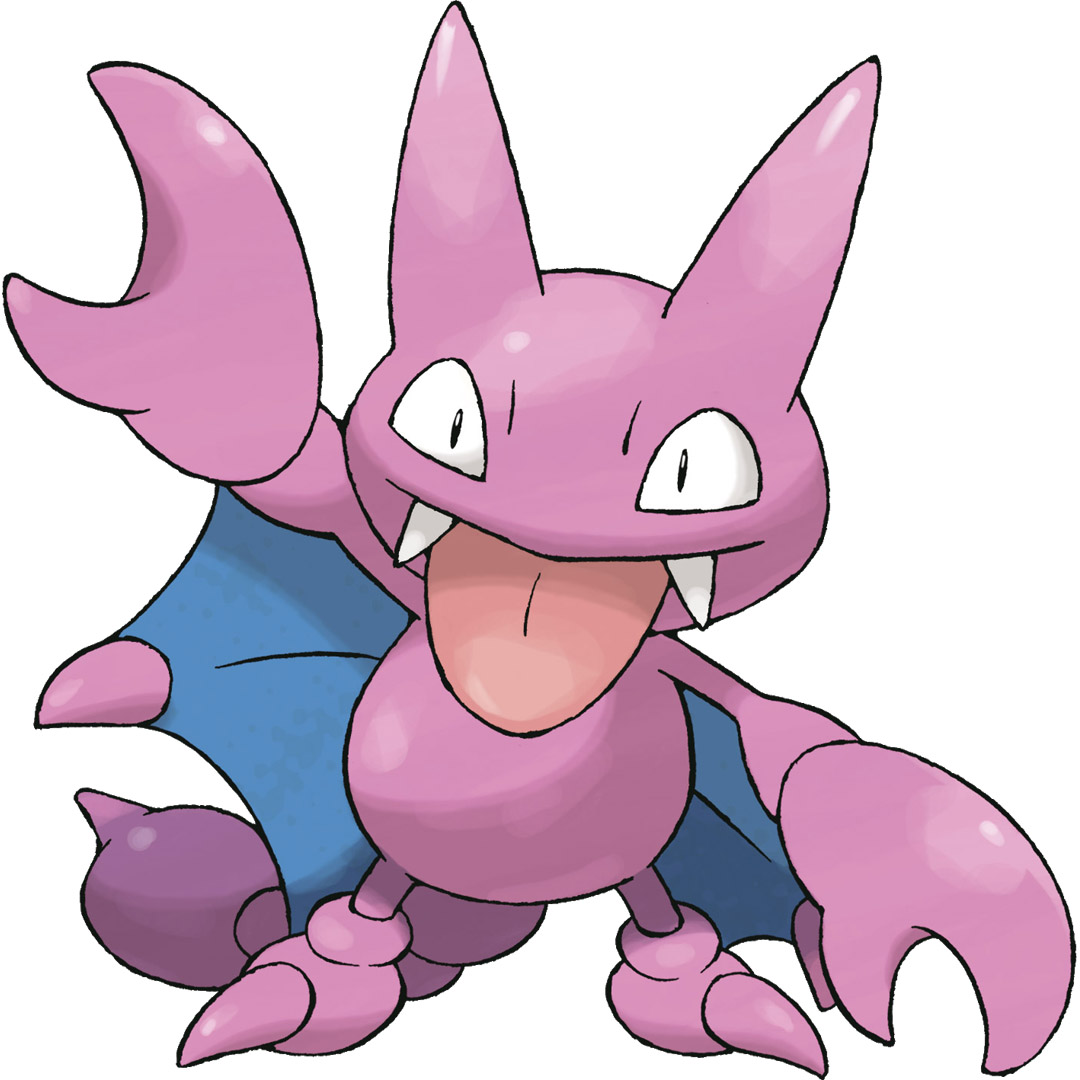
Take a sample image from test_ds to test the model.
Prepare image for the model.
Call generate and decode the predictions.
a drawing of a pink and blue pokemon
Looks like the fine-tuned model generated a pretty good caption!