Integration Cerebras
Observability for Cerebras with Langfuse
This guide shows you how to integrate Cerebras with Langfuse. Cerebras's API is fully compatible with OpenAI's client libraries, allowing us to use the Langfuse OpenAI drop-in replacement to trace all parts of your application.
What is Cerebras? Cerebras is a high-throughput, low-latency inference platform built on Cerebras’ wafer-scale processors (WSE) and CS systems, optimized specifically for token generation at scale.
What is Langfuse? Langfuse is an open source LLM engineering platform that helps teams trace API calls, monitor performance, and debug issues in their AI applications.
Step 1: Install Dependencies
Make sure you have installed the necessary Python packages:
Step 2: Set Up Environment Variables
Step 3: Langfuse OpenAI drop-in Replacement
In this step we use the native OpenAI drop-in replacement by importing from langfuse.openai import openai.
To start using Cerebras with OpenAI's client libraries, pass in your Cerebras API key to the api_key option, and change the base_url to https://api.cerebras.ai/v1:
Step 4: Run An Example
The following cell demonstrates how to call Cerebras's chat model using the traced OpenAI client. All API calls will be automatically traced by Langfuse.
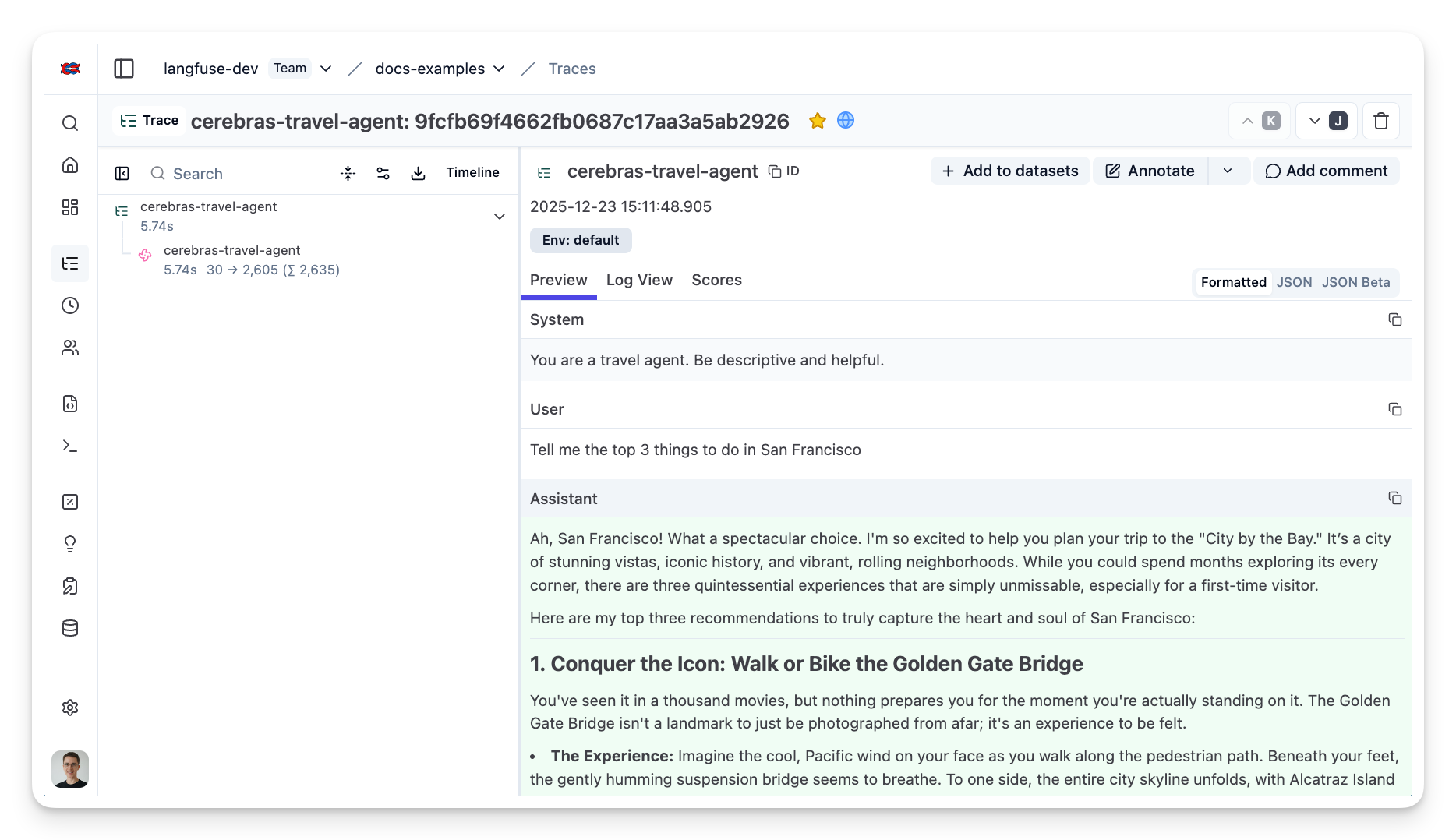
Step 5: See Traces in Langfuse
After running the example model call, you can see the traces in Langfuse. You will see detailed information about your Cerebras API calls, including:
- Request parameters (model, messages, temperature, etc.)
- Response content
- Token usage statistics
- Latency metrics