Integration Dspy
DSPy - Observability & Tracing
This cookbook demonstrates how to use DSPy with Langfuse.
What is DSPy? DSPy is a framework that systematically optimizes language model prompts and weights, making it easier to build and refine complex systems with LMs by automating the tuning process and improving reliability. For further information on DSPy, please visit the documentation.
What is Langfuse? Langfuse is an open-source LLM engineering platform. It offers tracing and monitoring capabilities for AI applications. Langfuse helps developers debug, analyze, and optimize their AI systems by providing detailed insights and integrating with a wide array of tools and frameworks through native integrations, OpenTelemetry, and dedicated SDKs.
Prerequisites
Install the latest versions of DSPy and langfuse.
Step 1: Setup Langfuse Environment Variables
First, we configure the environment variables. We set the OpenTelemetry endpoint, protocol, and authorization headers so that the traces from DSPy are correctly sent to Langfuse. You can get your Langfuse API keys by signing up for Langfuse Cloud or self-hosting Langfuse.
With the environment variables set, we can now initialize the Langfuse client. get_client() initializes the Langfuse client using the credentials provided in the environment variables.
Step 2: Enable Tracing for DSPy
Next, we use the OpenInference Instrumentation module for DSPy to automatically capture your DSPy traces. This is done by a single call which instruments DSPy’s LM calls.
Step 3: Configure DSPy
Next, we set up DSPy. This involves initializing a language model and configuring DSPy to use it. You can then run various DSPy modules that showcase its features.
Step 4: Running DSPy Modules with Observability
Here are a few examples from the DSPy documentation showing core features. Each example automatically sends trace data to Langfuse.
Example 1: Using the Chain-of-Thought Module (Math Reasoning)
Example 2: Building a RAG Pipeline
Example 3: Running a Classification Module with DSPy Signatures
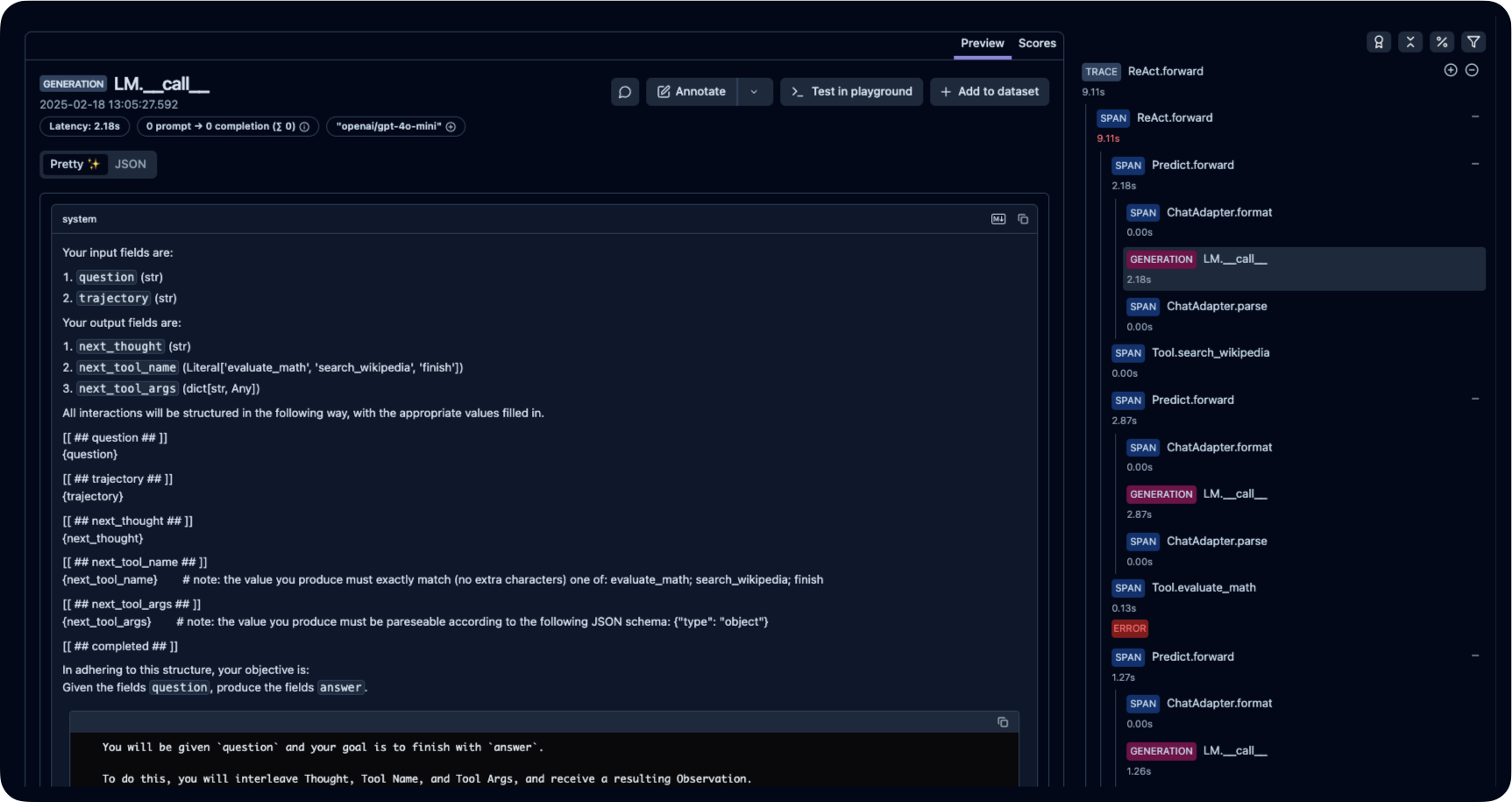
Step 5: Viewing Traces in Langfuse
After running your DSPy application, you can inspect the traced events in Langfuse: