

Integration Llama Index Milvus Lite
Cookbook: LlamaIndex & Milvus Integration
This is a simple cookbook that demonstrates how to use the LlamaIndex Langfuse integration. It uses Milvus Lite to store the documents and Query.
Milvus Lite is the lightweight version of Milvus, an open-source vector database that powers AI applications with vector embeddings and similarity search.
Setup
Note: This guide uses our Python SDK v2. We have a new, improved SDK available based on OpenTelemetry. Please check out the SDK v3 for a more powerful and simpler to use SDK.
Initialize the integration. Get your API keys from the Langfuse project settings, and replace public_key secret_key with your key values. This example uses OpenAI for embeddings and chat completions, so you also need to specify your OpenAI key in environment variable.
Index using Milvus Lite
Query
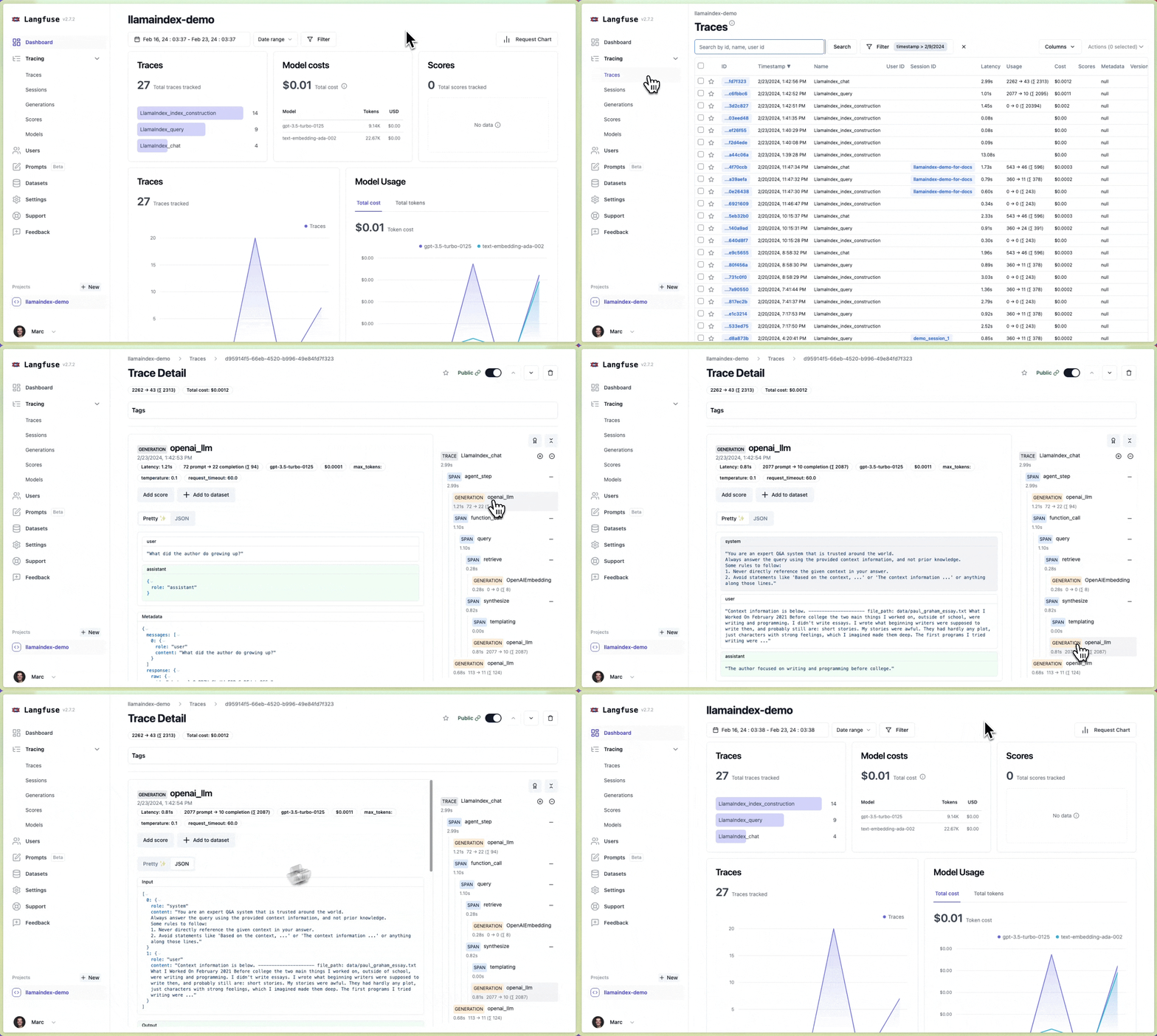
Explore traces in Langfuse
Done! ✨ You see traces of your index and query in your Langfuse project.
Example traces (public links):
Trace in Langfuse:
Interested in more advanced features?
See the full integration docs to learn more about advanced features and how to use them:
- Interoperability with Langfuse Python SDK and other integrations
- Add custom metadata and attributes to the traces