Integration Microsoft Agent Framework
Trace the Microsoft Agent Framework with Langfuse
This notebook demonstrates how to integrate Langfuse into your Microsoft Agent Framework workflow to monitor, debug and evaluate your AI agents.
What is the Microsoft Agent Framework?: The Microsoft Agent Framework is an open-source framework for building intelligent agents. It provides a comprehensive set of tools for creating agents that can interact with various services, execute tasks, and handle complex workflows. The framework supports multiple LLM providers including Azure OpenAI and OpenAI, and offers built-in observability through OpenTelemetry.
What is Langfuse?: Langfuse is an open-source observability platform for AI agents. It helps you visualize and monitor LLM calls, tool usage, cost, latency, and more.
1. Install Dependencies
Below we install the agent-framework library (the Microsoft Agent Framework) and langfuse for observability.
2. Configure Environment & Langfuse Credentials
Next, set up your Langfuse API keys. You can get these keys by signing up for a free Langfuse Cloud account or by self-hosting Langfuse. These environment variables are essential for the Langfuse client to authenticate and send data to your Langfuse project.
3. Initialize Langfuse Client
Initialize the Langfuse client to verify the connection. get_client() initializes the Langfuse client using the credentials provided in the environment variables.
4. Enable Observability
The Microsoft Agent Framework includes built-in observability support through OpenTelemetry. Enable it by calling configure_otel_providers() which automatically exports traces to Langfuse.
Note: Set enable_sensitive_data=True to capture full request/response data including function arguments and results.
5. Hello World Example with Tool
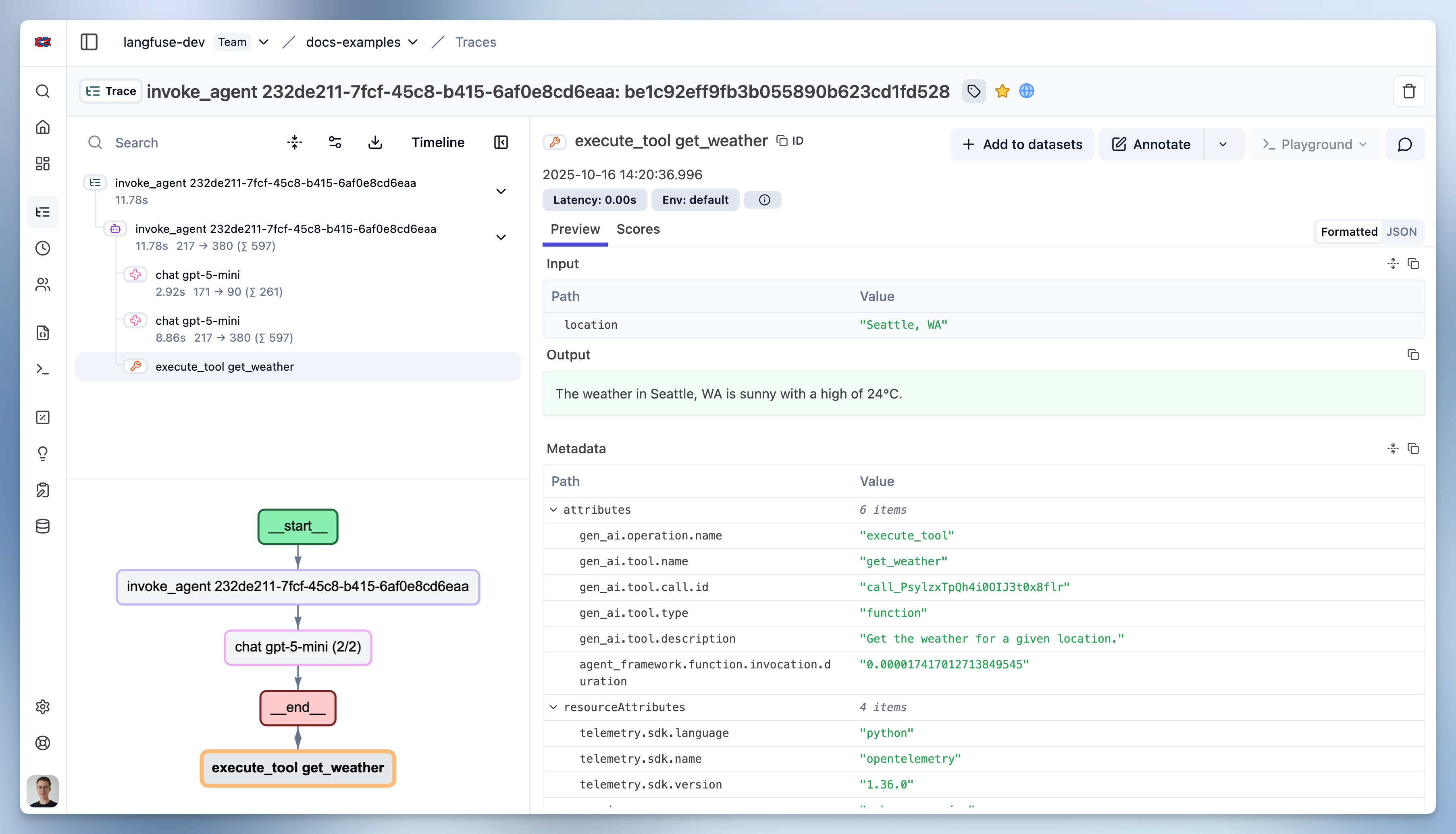
Below we create a weather agent using the Microsoft Agent Framework with Azure OpenAI. The agent has access to a get_weather function tool that it can call to retrieve weather information.
6. Using OpenAI Directly
The Microsoft Agent Framework also supports using OpenAI directly (not through Azure). Simply use OpenAIResponsesClient instead of AzureOpenAIChatClient.