Js Integration Openai
Cookbook: OpenAI Integration (JS/TS)


This cookbook provides examples of the Langfuse Integration for OpenAI (JS/TS). Follow the integration guide to add this integration to your OpenAI project.
Set Up Environment
Get your Langfuse API keys by signing up for Langfuse Cloud or self-hosting Langfuse. You’ll also need your OpenAI API key.
Note: This cookbook uses Deno.js for execution, which requires different syntax for importing packages and setting environment variables. For Node.js applications, the setup process is similar but uses standard
npmpackages andprocess.env.
With the environment variables set, we can now initialize the langfuseSpanProcessor which is passed to the main OpenTelemetry SDK that orchestrates tracing.
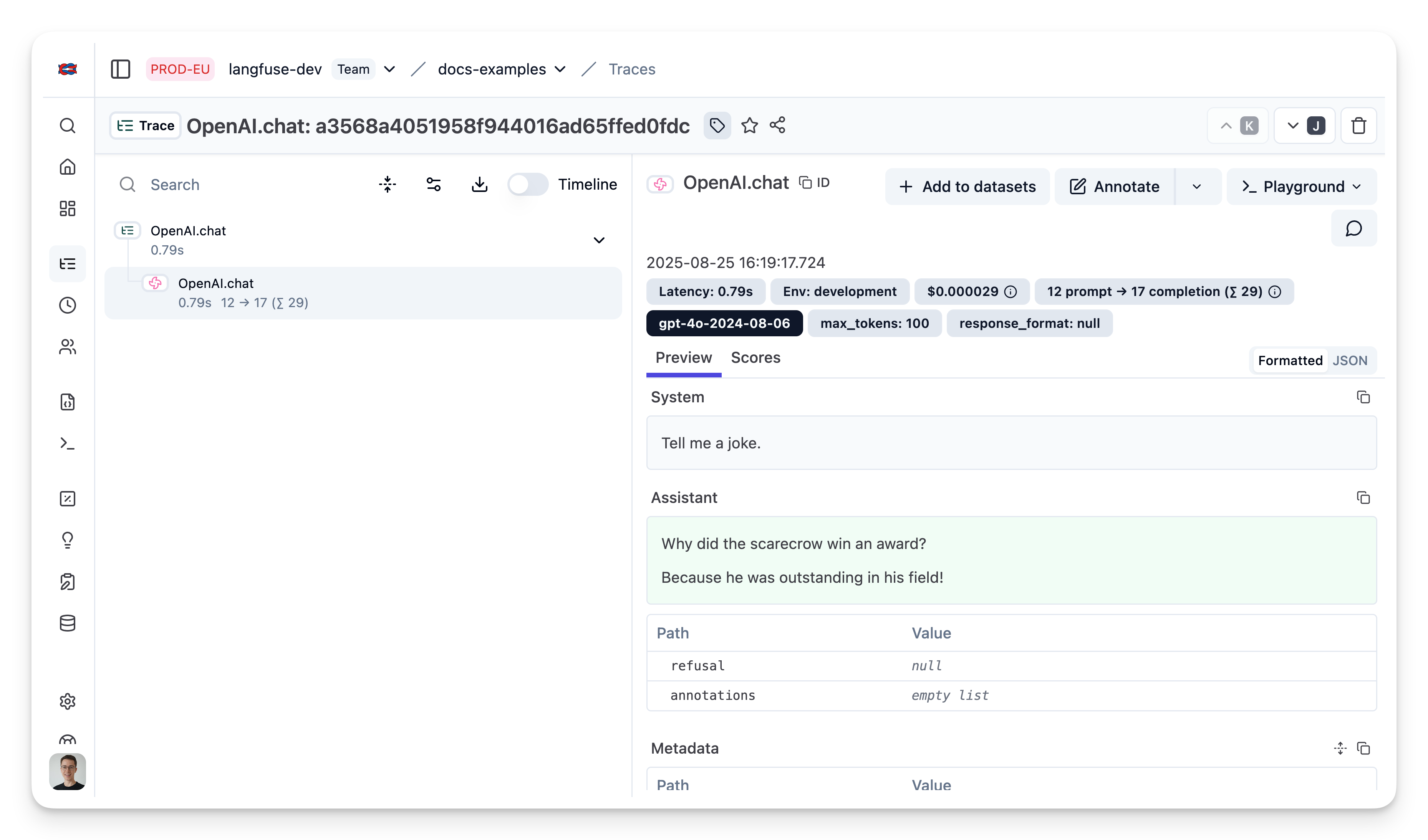
Example 1: Chat Completion
Example 2: Chat completion (streaming)
Simple example using OpenAI streaming, passing custom parameters to rename the generation and add a tag to the trace.
Example 3: Add additional metadata and parameters
The trace is a core object in Langfuse, and you can add rich metadata to it. Refer to the JS/TS SDK documentation and the reference for comprehensive details.
Example usage:
- Assigning a custom name to identify a specific trace type
- Enabling user-level tracking
- Tracking experiments through versions and releases
- Adding custom metadata
Example 4: Function Calling
20degC
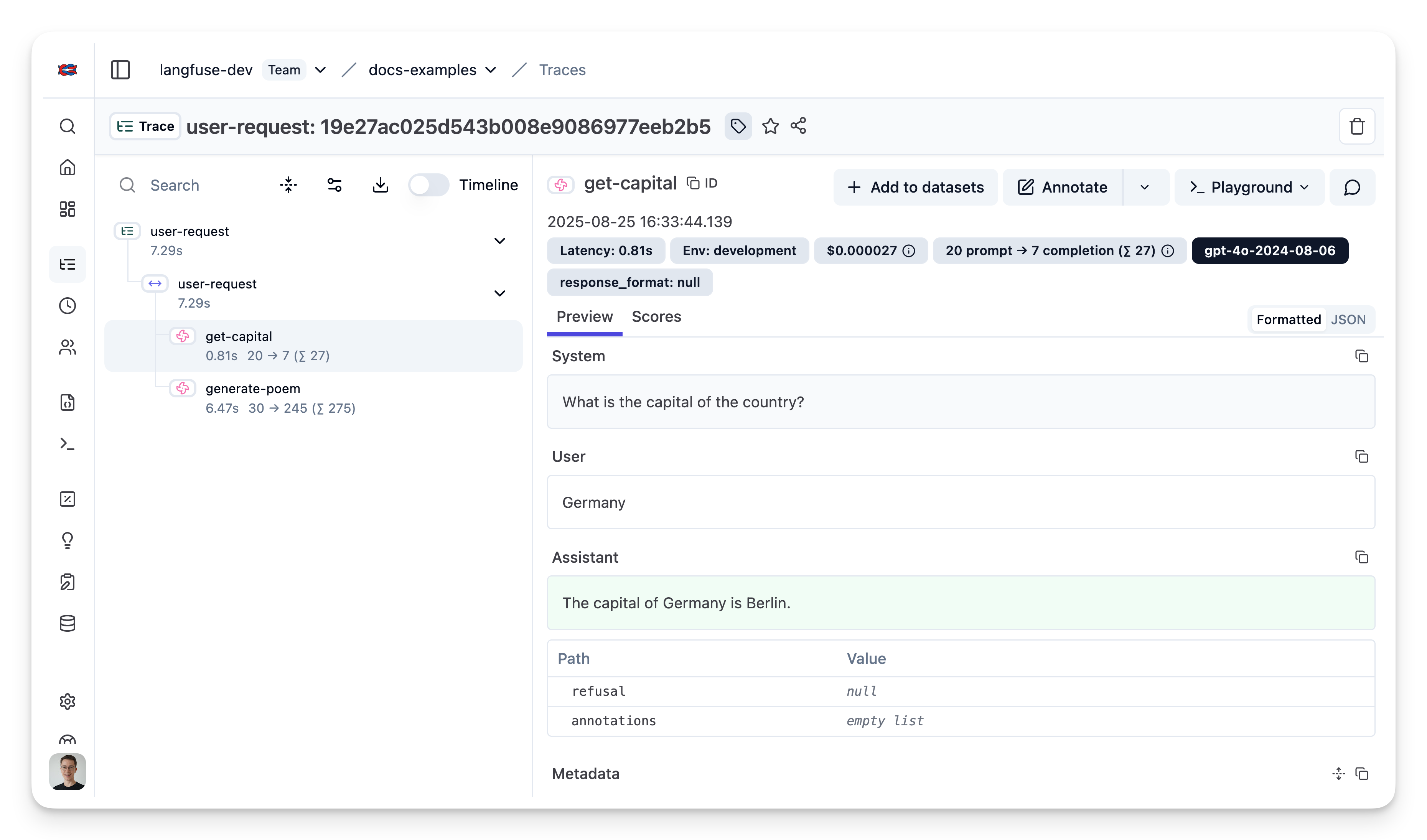
Example 5: Group multiple generations into a single trace
Use the context manager of the Langfuse TypeScript SDK to group two OpenAI generations together and update the top level span.