Js Prompt Management Langchain
Example: Langfuse Prompt Management with Langchain (JS)


Langfuse Prompt Management helps to version control and manage prompts collaboratively in one place.
This example demonstrates how to use Langfuse Prompt Management together with Langchain JS.
Set Up Environment
Get your Langfuse API keys by signing up for Langfuse Cloud or self-hosting Langfuse. You’ll also need your OpenAI API key.
Note: This cookbook uses Deno.js for execution, which requires different syntax for importing packages and setting environment variables. For Node.js applications, the setup process is similar but uses standard
npmpackages andprocess.env.
With the environment variables set, we can now initialize the langfuseSpanProcessor which is passed to the main OpenTelemetry SDK that orchestrates tracing.
The LangfuseClient provides additional functionality beyond OpenTelemetry tracing, such as scoring, prompt management, and data retrieval. It automatically uses the same environment variables we set earlier.
Example 1: Text Prompt
Add new prompt
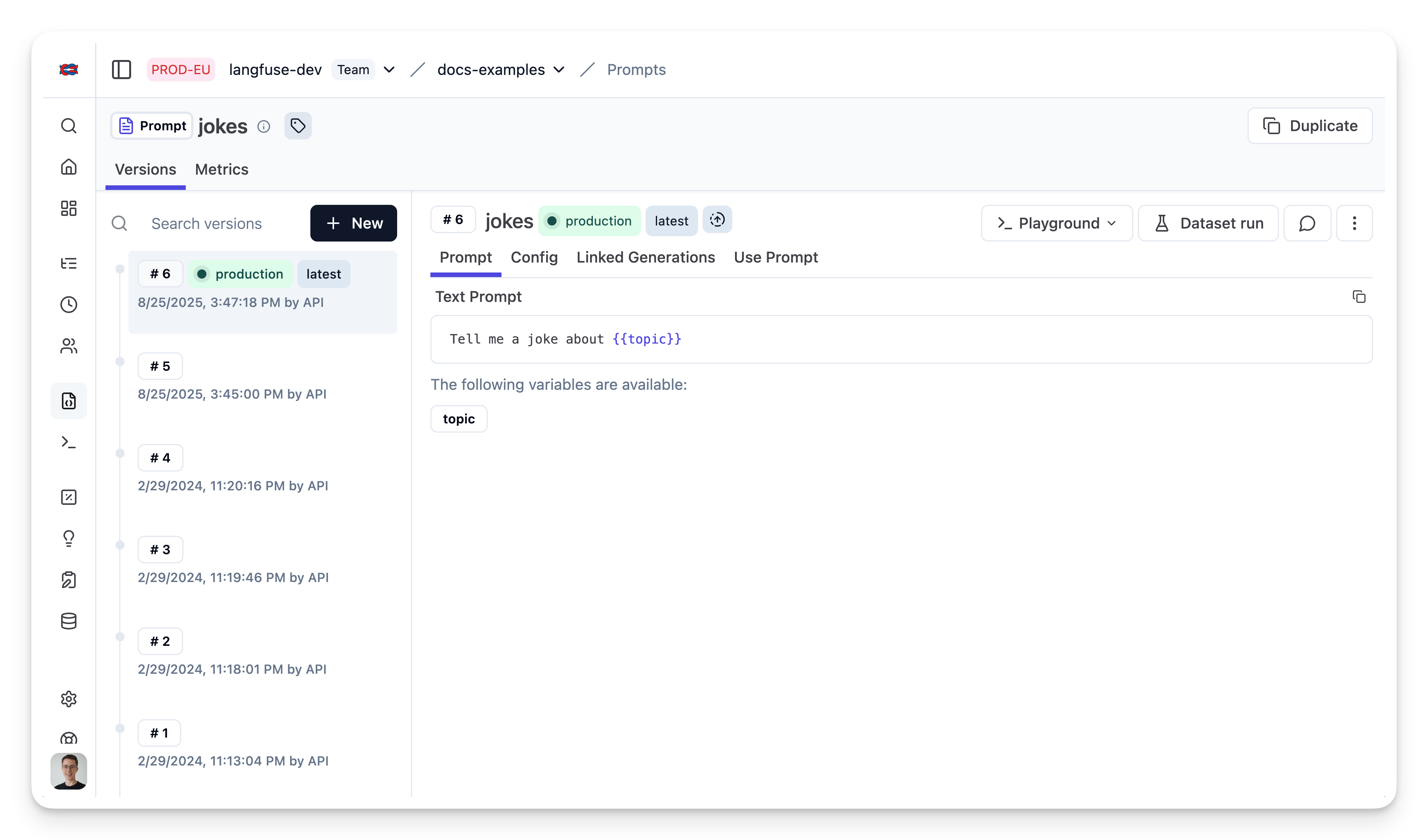
We add the prompt used in this example via the SDK. Alternatively, you can also edit and version the prompt in the Langfuse UI.
Namethat identifies the prompt in Langfuse Prompt Management- Prompt with
topicvariable - Config including
modelName,temperature labelsto includeproductionto immediately use prompt as the default
For the sake of this notebook, we will add the prompt in Langfuse and use it right away. Usually, you'd update the prompt from time to time in Langfuse and your application fetches the current production version.
Prompt in Langfuse
Run example
Get current prompt version from Langfuse
The prompt includes the prompt string
and the config object
Transform prompt into Langchain PromptTemplate
Use the utility method .getLangchainPrompt() to transform the Langfuse prompt into a string that can be used in Langchain.
Context: Langfuse declares input variables in prompt templates using double brackets ({{input variable}}). Langchain uses single brackets for declaring input variables in PromptTemplates ({input variable}). The utility method .getLangchainPrompt() replaces the double brackets with single brackets.
Also, pass the Langfuse prompt as metadata to the PromptTemplate to automatically link generations that use the prompt.
Setup Langfuse Tracing for Langchain JS
We'll use the native Langfuse Tracing for Langchain JS when executing this chain. This is fully optional and can be used independently from Prompt Management.
Create chain
We use the modelName and temperature stored in prompt.config.
Invoke chain
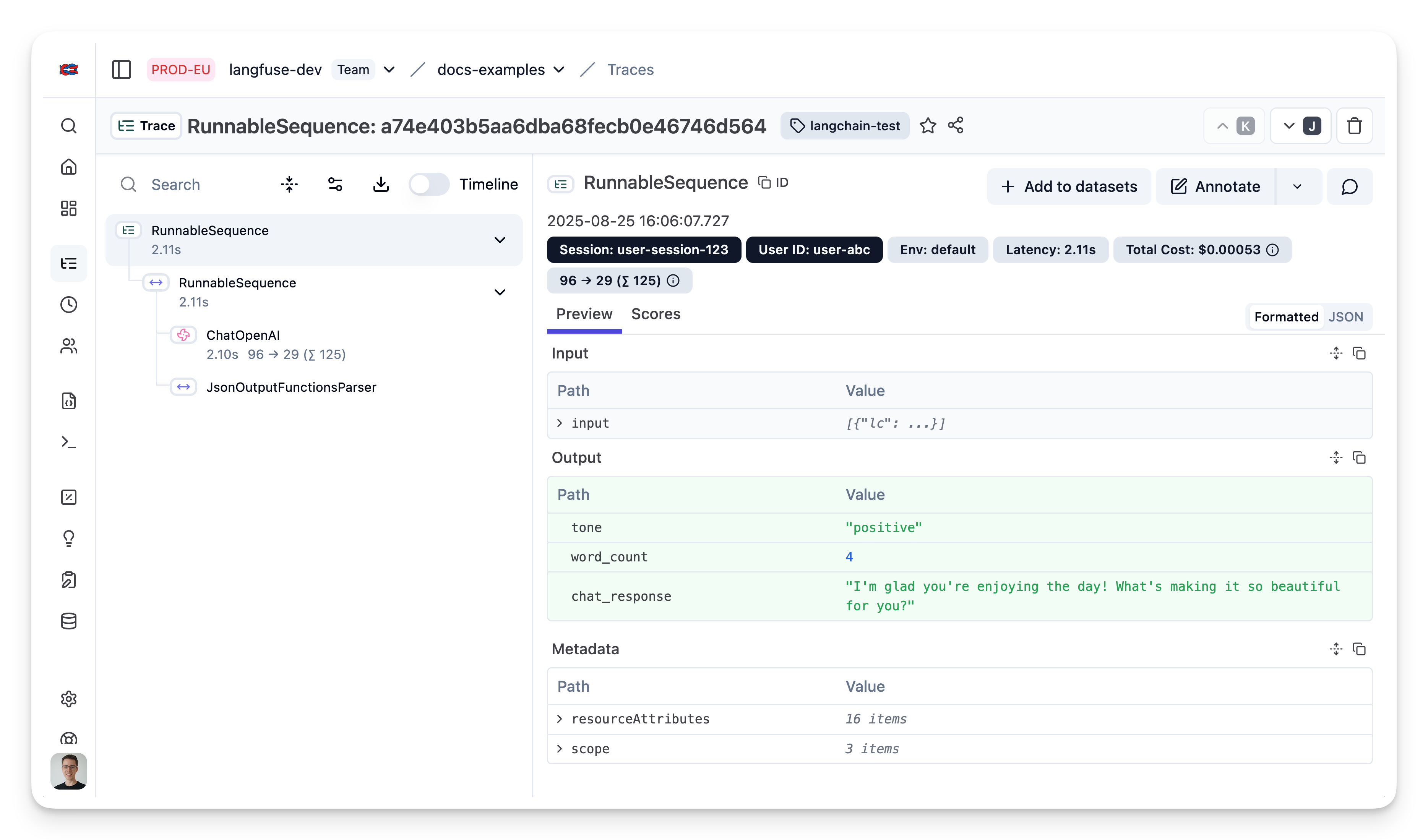
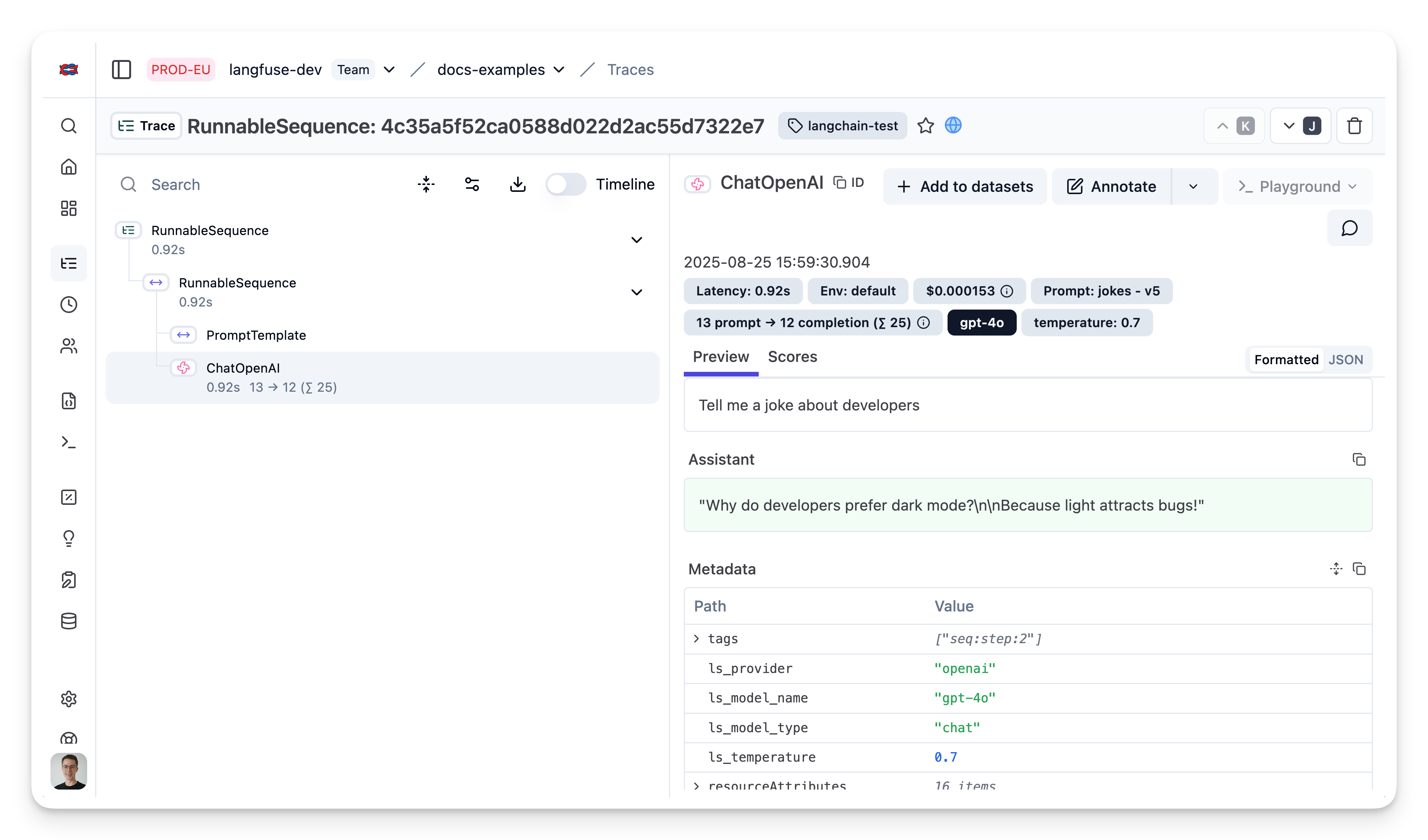
View trace in Langfuse
As we passed the langfuse callback handler, we can explore the execution trace in Langfuse.
Example 1: OpenAI functions and JsonOutputFunctionsParser
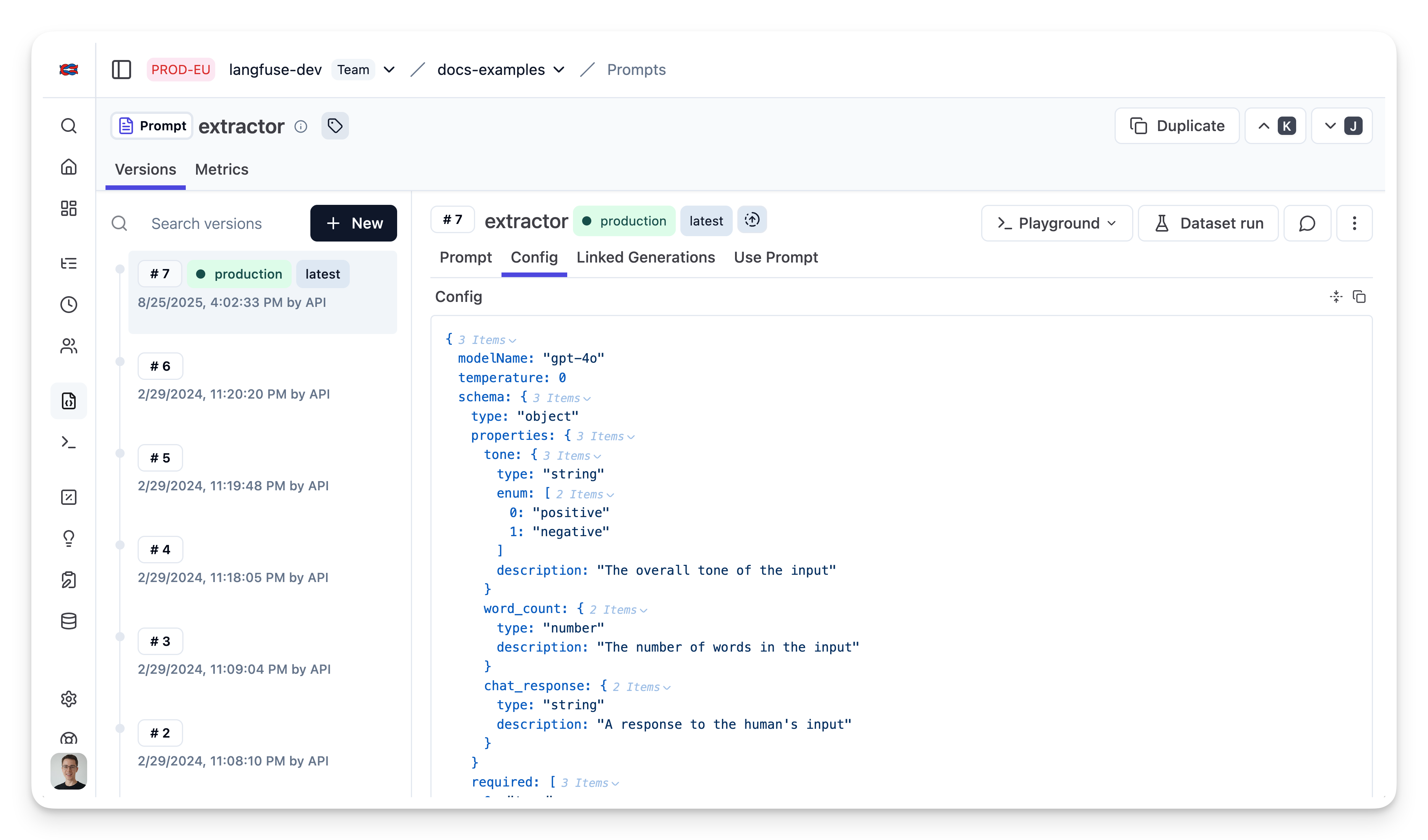
Add prompt to Langfuse
Prompt in Langfuse
Fetch prompt
Transform into schema