WandB Artifact Tags

W&B Artifact version tags
W&B Models supports finding and retrieving artifacts using version tags from Registry or ML projects. Filtering directly by artifact version tags via the SDK offers a more efficient way to retrieve only the artifacts you need instead of grabbing every artifact from a collection and parsing them manually or using aliases which can present challenges due to enforced uniqueness within each collection.
In this notebook, you will create multiple model versions in a collection in the Model registry. Each of the versions has been assigned multiple tags making discoverability and retrieval simple using the SDK.
You can read more about organizing artifacts with tags in the W&B documentation.
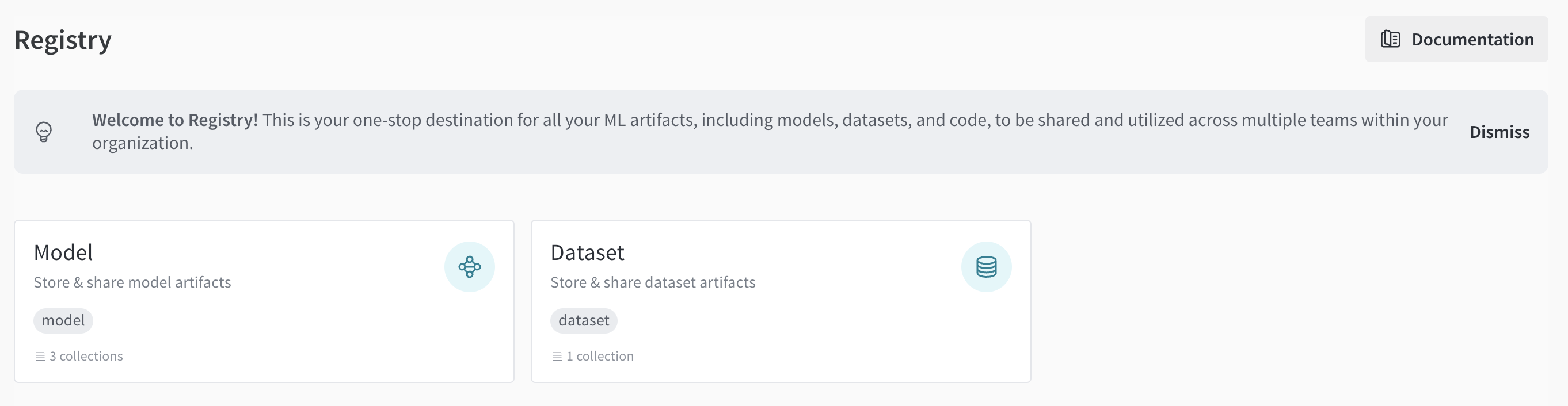
You can find Registry in your W&B account by clicking on the Registry link in the left sidebar in the Applications section.
Prerequisites
Install the W&B Python SDK and log in:
Initialize a W&B run
Import additional Python libraries and initialize a W&B run to generate demo artifactslink text:
Generate demo artifact versions with tags
The following code block will generate four artifact versions for each AWS region. Each artifact version represents the result of fine-tuning a base model. The artifact versions will be tagged with the following:
- Region tag: Specifies the AWS region where the model is stored or deployed
- Base model tag: Indicates which base model was fine-tuned
- Status tag: Specifies the model's status, when applicable (e.g., production, candidate, archived)
To create the artifact versions, simply execute the code block.
Filter artifacts using version tags
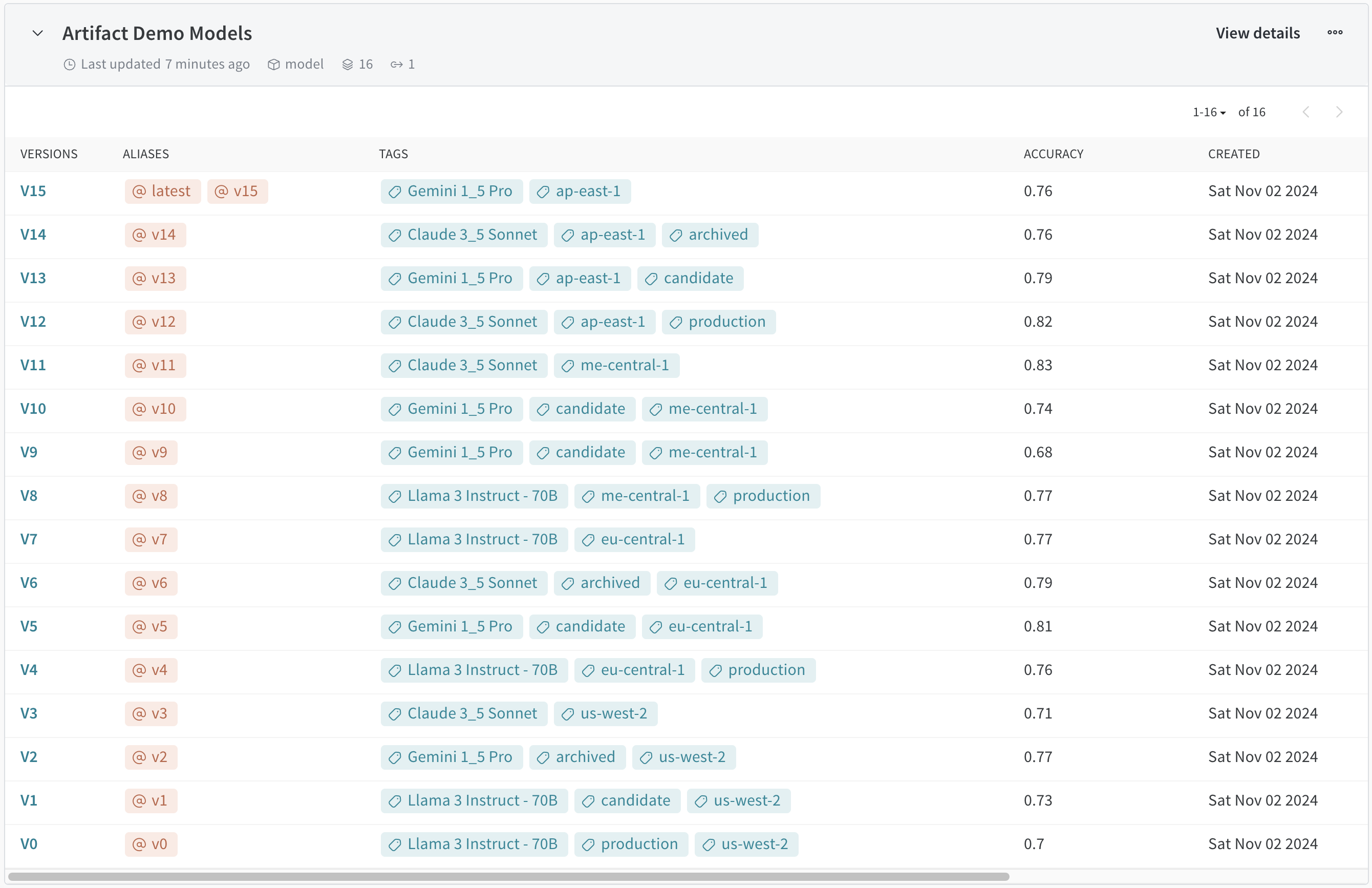
After generating the 16 artifacts using the code block above, the Artifact Demo Models collection in your model registry should look like this:
This colab presumes that you have not one production model in a collection, but multiple production models, one for each AWS region. In cases where only a single production model exists in a collection, using a unique alias to identify this model is generally the right approach. The enforced uniqueness of aliases makes them extremely valuable when searching for and retrieving a specific artifact version. Aliases can also be used in W&B Models to trigger automated workflows, or Automations, which are often used for model testing and deployment as part of a CI/CD pipeline. But event-based triggers are not always necessary and there are times when you want to track down and retrieve multiple artifact versions based on a search filter, such as when multiple production models exist. This is when tags are the answer.
An example where version artifact tags come in handy is when deploying models using Amazon Sagemaker. The Amazon S3 bucket where the model artifacts are stored must be in the same AWS Region as the model that you are creating. In cases where it is a requirement to deploy specific models to specific regions, retrieving those models using an AWS region artifact tag ensures that the right model exists and that the right model is deployed.
Attaching tags to artifact versions also helps with compliance requirements. Filtering by artifact tag retruns a specific model of interest and, from there, it is easy to track the detailed lineage of this model, including all input and output artifacts, using W&B Registry. For example, during an audit, it might be required to produce the exact dataset used for training the model deployed in the Central Europe region to ensure that it did not contain any PII data or other sensitive information.
We have compiled a number of use cases that require filtering by artifact version tags to retrieve the right artifacts. To see version tag filtering using the SDK in action, just execute the following code block:
Artifact version filtering results
As you can see from the output of the script, it is possible to use one or more tags to retrieve one or more artifact versions from your registry collection.
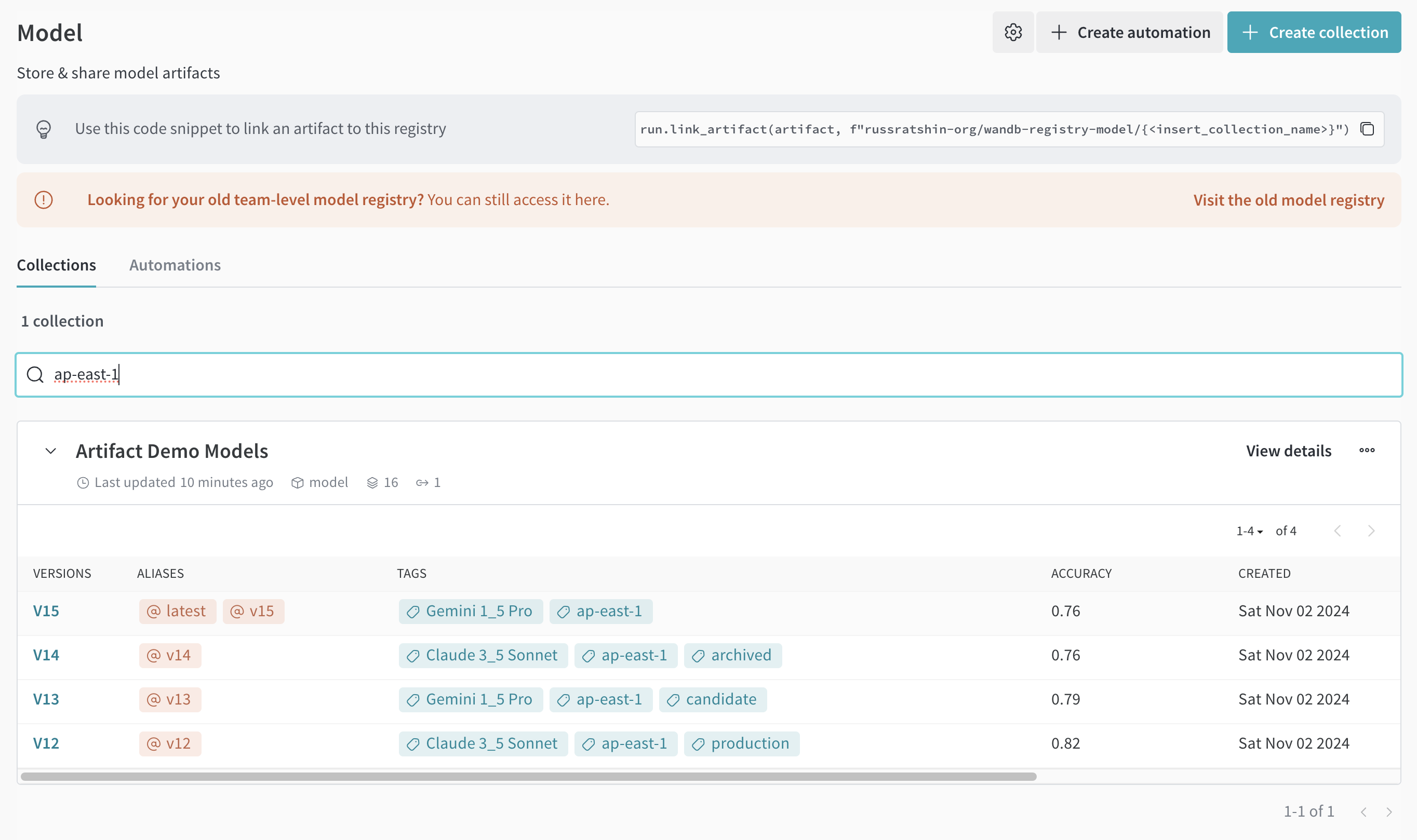
It is also possible to search by collection names, tags, and version tags from within the UI. Just use the search bar inside of any registry to find the artifacts that you need. The following screenshot shows the results for a search on "ap-east-1" in our Model registry.